





Design System Integrations
Integrate. Automate. Accelerate.
zeroheight works seamlessly with the tools your team already loves – from Figma and Storybook to Slack and Jira. Bring everything together to build a design system that powers your workflow.
If you’re just getting started, check out zeroheight 101.



Design

Figma
Sync your Figma components, styles, variables, and frames directly into your zeroheight documentation, giving your whole team an accurate, up-to-date picture of the design system. Teams can also query it directly from the Figma canvas.

Adobe XD
Through the Adobe XD plug-in, you can connect your XD files and easily add your components into zeroheight styleguides.

Sketch
Import your Sketch files with our plugin. Once set up, you can keep things in sync with just a few clicks.

Prototyping

Figma Make
Connect zeroheight to Figma Make via the official partner connector and it builds from your documented design system rather than generic defaults. Generated prototypes stay on-system from the first prompt, with less rework before handoff.

Claude Code
Connect your zeroheight styleguide to Claude Code via MCP and your design system becomes active context for agentic coding. Useful for prototyping, scaffolding components, building directly in Figma, and auditing codebases against your documented standards.

GitHub Copilot
Give Copilot your documented standards via MCP and it uses them to generate, scaffold, and review code that stays true to your design system, across prototyping, multi-file tasks, and pre-PR conformance checks.

Codex
Give Codex access to your zeroheight styleguide via MCP and it works from your documented standards across agentic workflows, prototyping, scaffolding components, and auditing codebases for drift.

v0
Bring your zeroheight styleguide into v0 via MCP and generated components reference your documented design system rather than generic defaults. Useful for rapid prototyping and proofs of concept that need to stay on-system.

Engineering
Claude Code
Connect your zeroheight styleguide to Claude Code via MCP and your design system becomes active context for agentic coding. Useful for prototyping, scaffolding components, building directly in Figma, and auditing codebases against your documented standards.
GitHub Copilot
Give Copilot your documented standards via MCP and it uses them to generate, scaffold, and review code that stays true to your design system, across prototyping, multi-file tasks, and pre-PR conformance checks.
Codex
Give Codex access to your zeroheight styleguide via MCP and it works from your documented standards across agentic workflows, prototyping, scaffolding components, and auditing codebases for drift.

VS Code
Connect your zeroheight docs to VS Code via MCP and your design system becomes available context across your development environment, compatible with GitHub Copilot and other AI tools for prototyping, scaffolding, and code reviews.

Storybook
Embed live, interactive Storybook components directly in your zeroheight documentation so your whole team can explore them inline. Or pull your zeroheight docs into Storybook to put guidance right in the workflow.

Cursor
Connect your design system directly to your development environment. Cursor’s AI-powered editor uses your zeroheight docs as context, so developers can build components that stay true to your system without switching tools.

GitHub
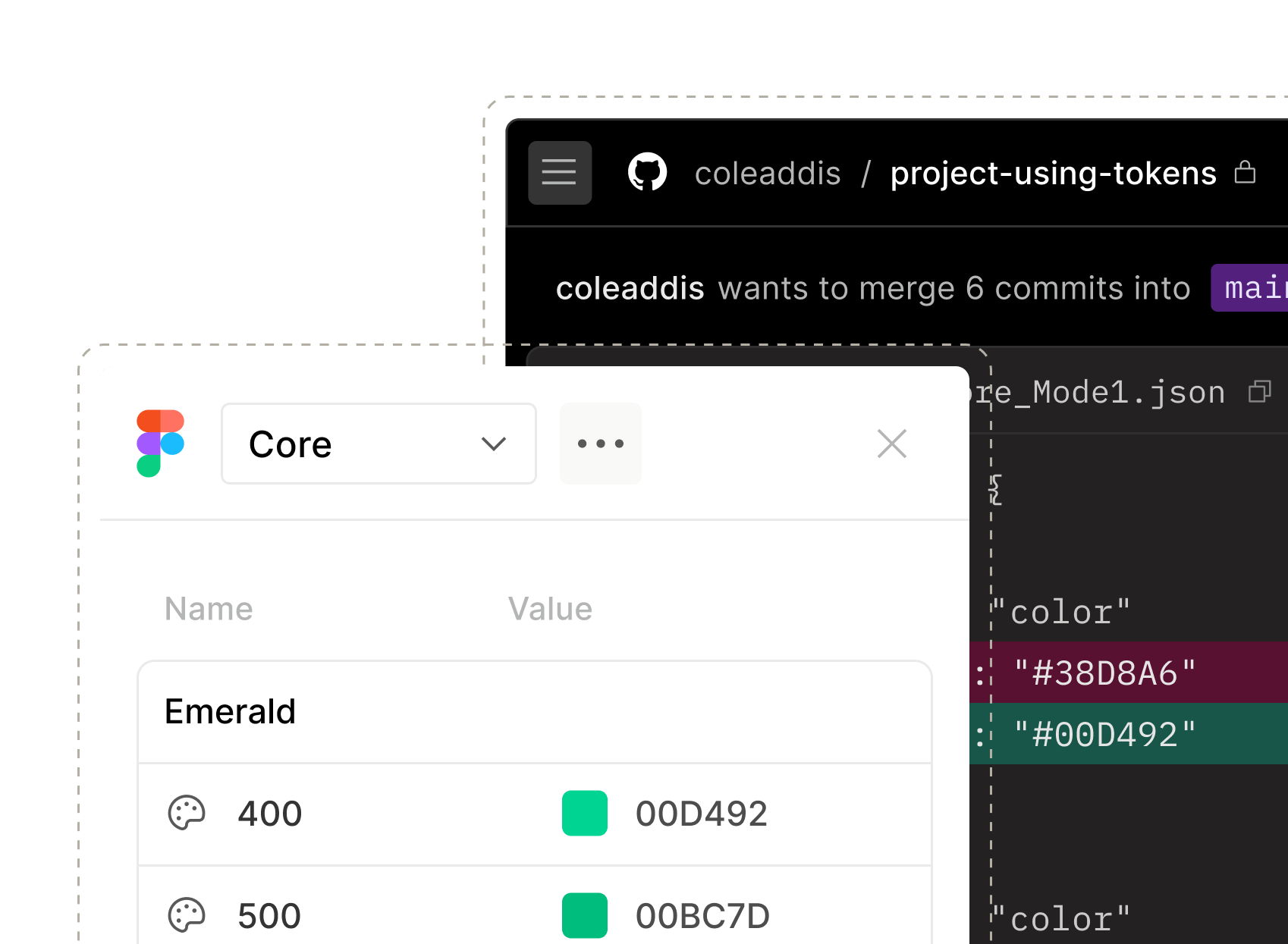
Connect GitHub to zeroheight to sync markdown, automate token updates as pull requests, keep documentation in sync with your codebase, and track design system adoption. Supports GitHub Enterprise.

Azure DevOps
The Azure DevOps integration allows you to manage tokens in our fully featured design tokens manager, sync markdown content, and track design system adoption.

GitLab
The GitLab (GitLab.com and self-hosted) integration allows you to import tokens from GitLab, export tokens to GitLab, sync markdown files, and analyze adoption.

Bitbucket
The Bitbucket integration allows you to manage tokens, sync markdown content, and understand how your design system is being used in code.

AI assistants
Claude
Connect your zeroheight styleguide to Claude and give your team an AI assistant that actually knows your design system. Ask about anything — components, tokens, usage rules — or audit your docs, surface gaps, and plan what to fix next.

ChatGPT
Ask your design system anything — components, tokens, usage rules, documentation gaps — with your zeroheight styleguide connected as context. Everything ChatGPT knows about your system comes directly from your live documentation.

Analytics

Google Analytics
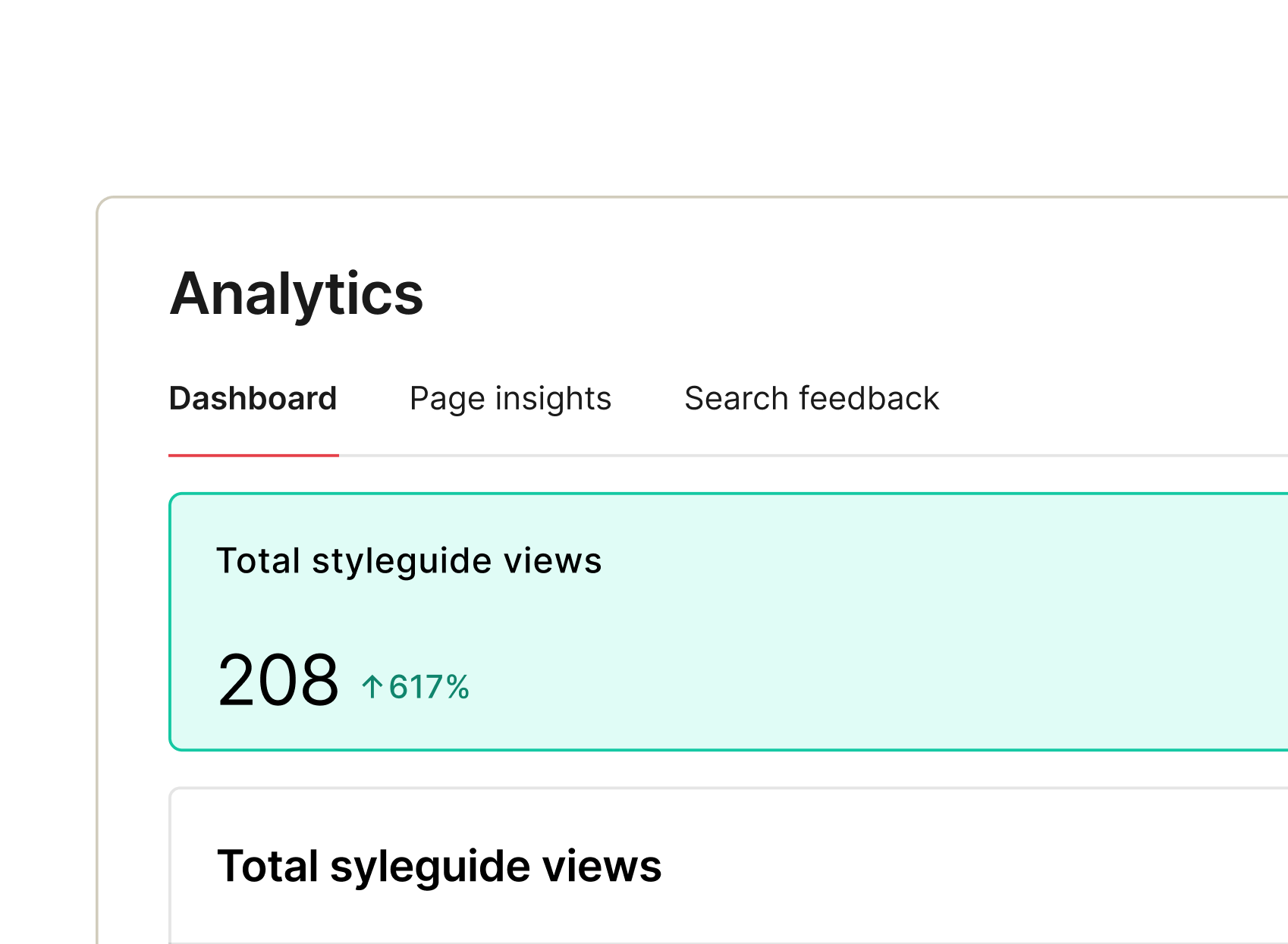
Analyze design system usage by connecting zeroheight and Google Analytics. Once connected, you can view search data, track page views, and understand which of your assets are used most.

Hotjar
Get important information about how your viewers engage with your styleguides. You can track interactions at the page level with heatmaps and recordings to get an idea of how viewers are navigating through your documentation.

Communication

Slack
Once you’ve connected zeroheight to a Slack channel, you can elect to send a notification with each release. The notification will alert your team that the design system has been updated, and the message will even include a link to your styleguide.

Microsoft Teams
Promote new releases on Microsoft Teams by notifying a chosen team or channel. Add custom release notes with pages, new components, or anything else you want your team to review.

Automations

Zapier
With Zapier, you can build your own automations that connect zeroheight with more than 6,000 tools. Create a new Jira ticket when page status changes, send out an email with each new version of your styleguide, and more.